Casual to Office in One Outfit Change
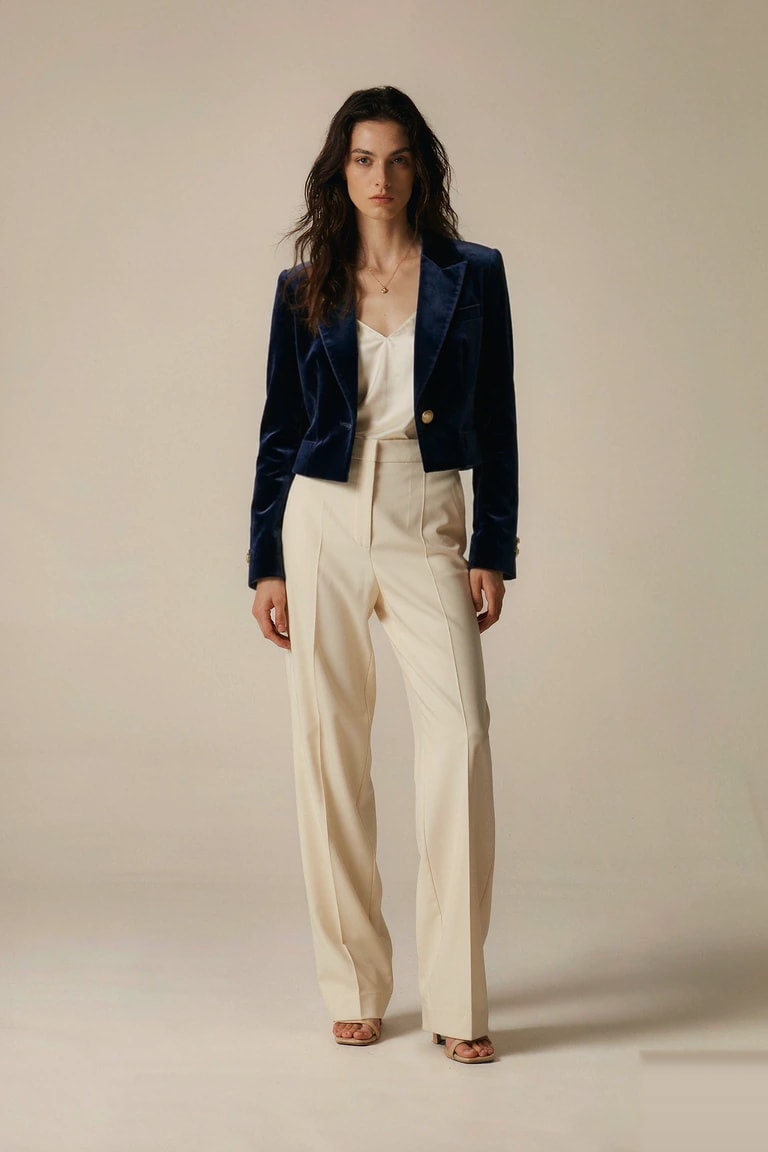
A relaxed white tee becomes a tailored black blazer. This AI clothes changer example keeps the face, pose, and background while the outfit does all the changing.
Face unchangedNatural fitSame pose
MYCLOTHESCHANGER
New Outfit. Same You.
Upload your photo and the outfit you want — a flat-lay shot, a product shot, or a photo of someone wearing it — and only the clothing changes. Your face, pose and background stay untouched.
Outfit templates
Curated looks · or upload your own garmentYour face, pose and background stay unchanged
REAL BEFORE / AFTER
Drag to see the outfit change
 +
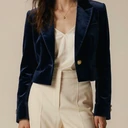 →This look
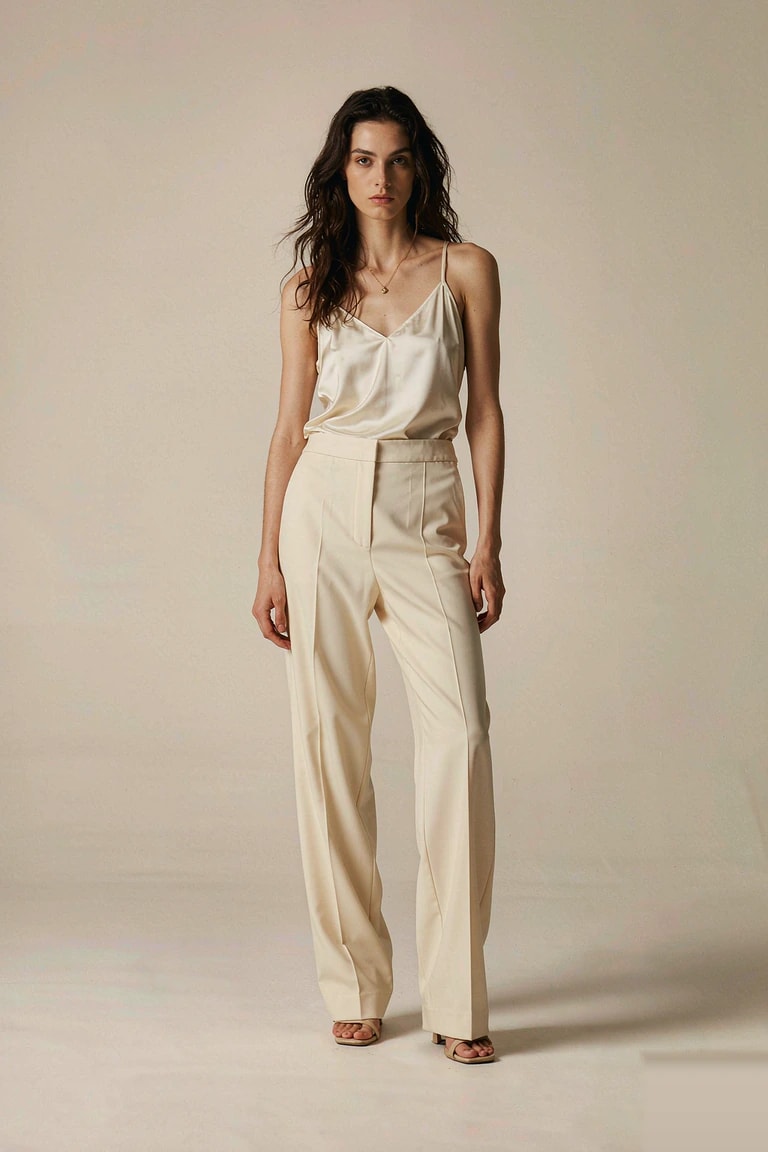
See an AI clothes changer at work: the original photo and the result, side by side, with the garment reference in between. Faces, poses, and lighting stay true to life.
A relaxed white tee becomes a tailored black blazer. This AI clothes changer example keeps the face, pose, and background while the outfit does all the changing.
Face unchangedNatural fitSame pose
The same relaxed photo becomes a sultry evening look. This AI clothes changer example keeps the face, pose, and background while a champagne satin slip dress replaces the daytime outfit — same woman, a completely new mood.
Same womanSatin slip dressEvening mood
AI CLOTHES CHANGER CAPABILITIES
Upload a person photo and a garment photo. This AI clothes swap fits the new piece to the pose, keeps the face and background, and returns one clean result you can inspect before you keep it. An AI clothes changer works from either a flat lay or a photo of someone wearing the piece.
A flat lay or hanger shot becomes a natural worn look. This AI clothes changer outfit swap gives a small shop an on-model image without booking a shoot or shipping the garment. The AI clothes changer fits the cut and fabric to the pose already in your photo.
Prints, small graphics, and woven texture are carried into the result. Inspect fine detail at full size before you publish a product photo. A good AI clothes changer keeps the pattern readable while it redraws the fabric.
Change a whole outfit in a photo — jacket, bottoms, footwear, and layers — or swap one dress for another. This AI outfit changer redraws the clothing area as one coherent look while your face, pose, and proportions stay the same. Run as many AI clothes changer variations as you like from a single photo.
A curated wardrobe of outfit presets for the AI clothes changer, spanning casual, office, evening, party, street, and vacation looks. Pick one and see how it reads on a real photo in seconds.
Three steps, no editing skills required. Only the clothing is redrawn — your face, pose and background stay exactly as they were.
Any well-lit photo works — full body, half body, or a three-quarter shot, as long as the outfit you're replacing is visible. JPG, PNG and WebP up to 10 MB.
Choose a preset look, upload a flat-lay or product photo of a piece you already own, or just describe it — "a cropped denim jacket, light wash" works fine.
Only the clothing area is redrawn. Zoom in on the collar, sleeves and shadows, regenerate if a detail looks off, then download at full resolution.
One photo serves a lot of different jobs. Here is who gets the most from an AI clothes changer.
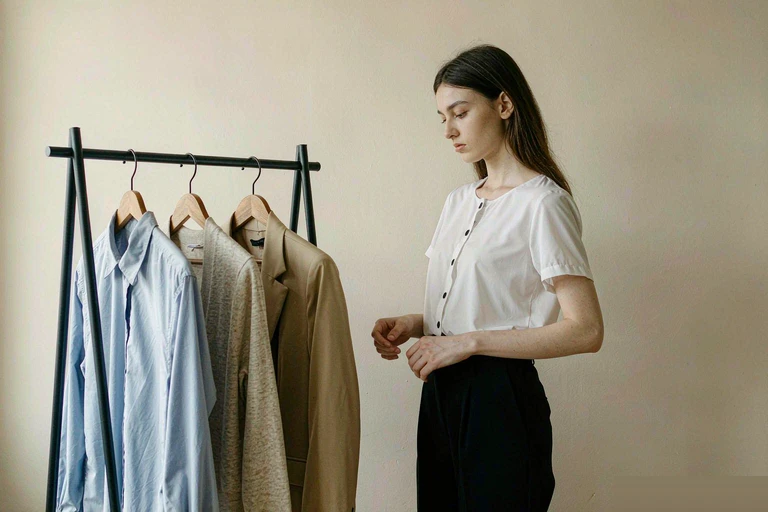
Compare colors, layers, and silhouettes on your own picture instead of guessing from a product page. Treat the result as a visual preview, not a sizing guarantee.
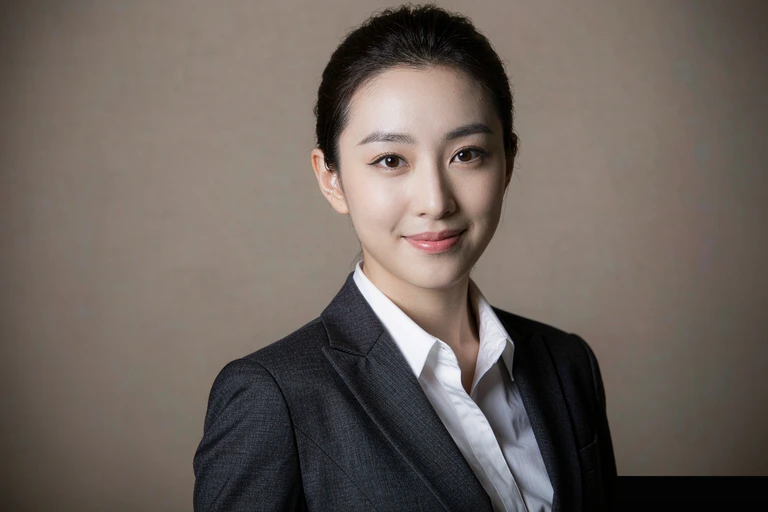
Try a blazer, a suit, or interview attire on a portrait you already have before updating a résumé, team page, or profile picture. The AI clothes changer moves the clothes; the person does not.
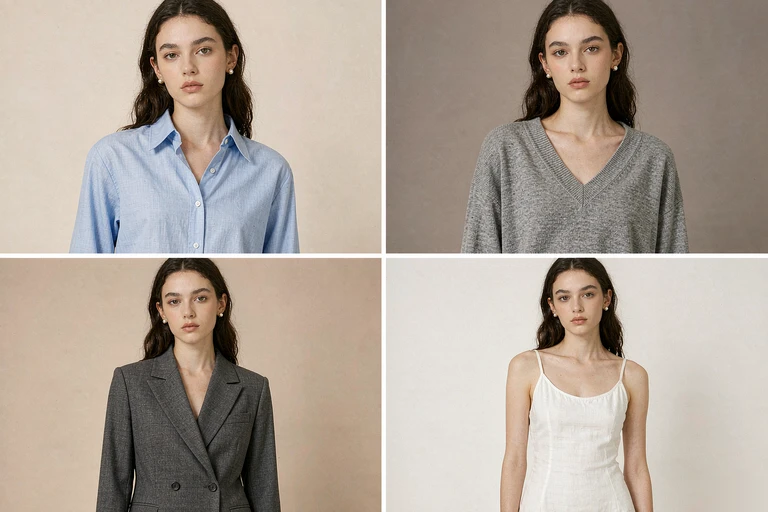
Reuse one model photo across a catalog so the face, pose, and lighting stay consistent from listing to listing. Plan on-model images before a shoot, or work from flat lays when that is all you have. An AI clothes changer keeps the catalog looking unified.
Still deciding? Here are the answers people ask before their first AI clothes changer session. Questions? Email support@myclotheschanger.com.
An AI clothes changer is a browser tool that replaces the clothing in a photo. You upload one person image, then pick an outfit preset, add a garment reference, or describe the look in words. The result keeps the original face, pose, framing, and lighting.
No. Only the clothing area is redrawn. Facial features, hairstyle, body proportions, hands, and the background are preserved, and the new garment is fitted to the pose already in the photo.
Use a clear, evenly lit photo of one person with the clothing fully visible. Full-body or three-quarter shots make length, fit, and footwear easier to judge. Avoid group photos, motion blur, heavy filters, and crossed arms covering the outfit.
Yes. Upload a clean product shot, flat lay, or hanger photo as the clothing reference. For a closer match, name the color, fabric, neckline, and sleeve length in the description as well.
Small logos, printed text, and repeating patterns usually remain readable, but they are the first details to drift. Inspect them at full size before using an image in a listing or an ad.
Uploads are processed to generate your result and stay private to your account. They are not shown in a public gallery. Read our Privacy Policy for the full retention and deletion details.
They are close cousins. Virtual try-on usually starts from a retailer's product image; an AI outfit changer starts from a photo you already have and restyles the person in it. Both help you see a garment before committing to it.
Browsing the wardrobe and the example gallery is free. Generating a result uses credits, and one-time packs are listed on the pricing page. No subscription is required.
One photo is all it takes. Try an AI clothes changer on your picture, pick a template, see the new look, and keep the version you love.