
AI Clothes Swap: Two Photos, One New Outfit
Give the clothes changer a photo of a person and a photo of a garment. It reads the cut, color, and fabric from the second image and fits them to the pose in the first. Nothing else in the frame is rebuilt.
Two-Photo Outfit Swaps, Before and After
Each pair starts from the same person photo. Drag the slider and check the hands, hair, and background — only the clothing area changes.
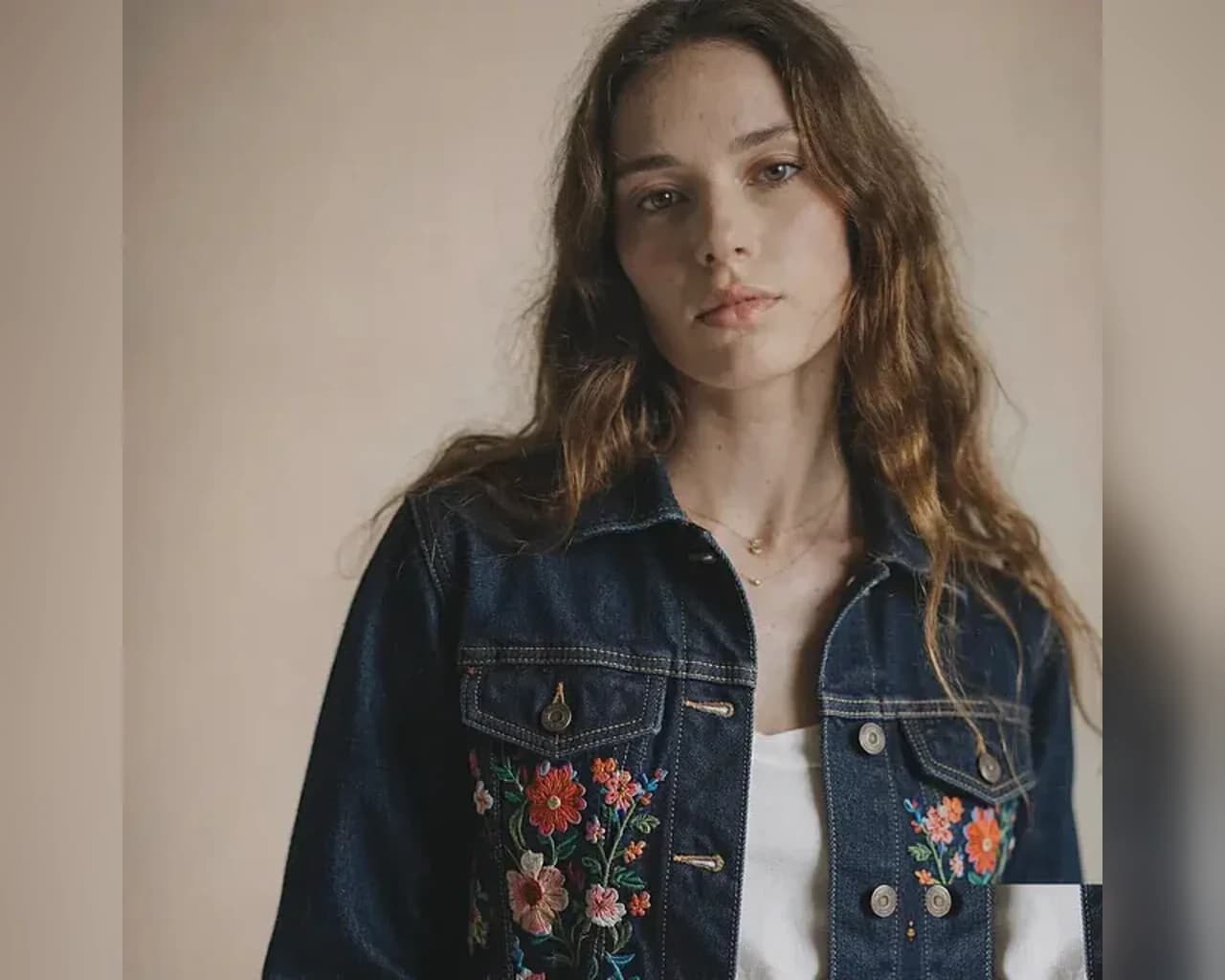
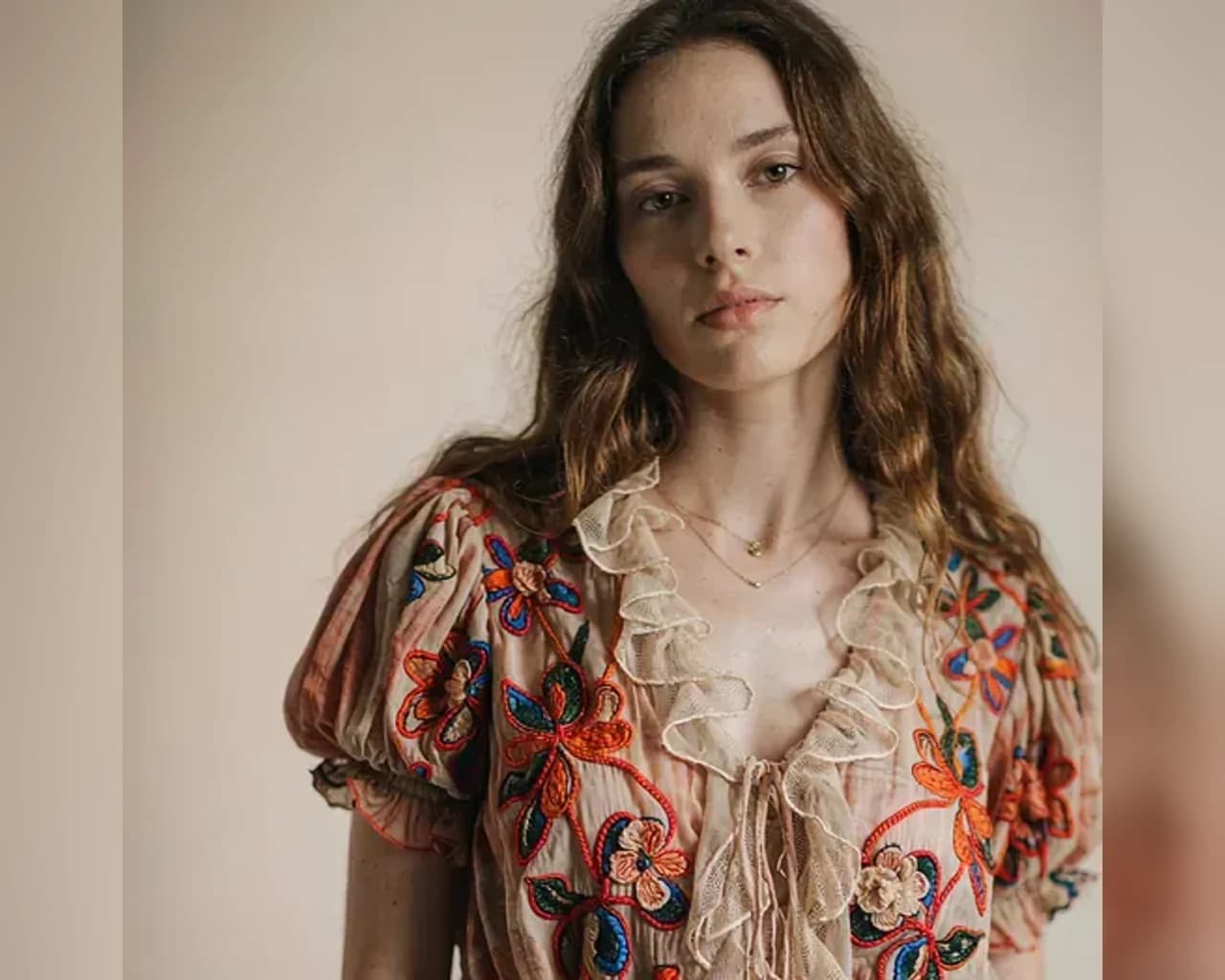
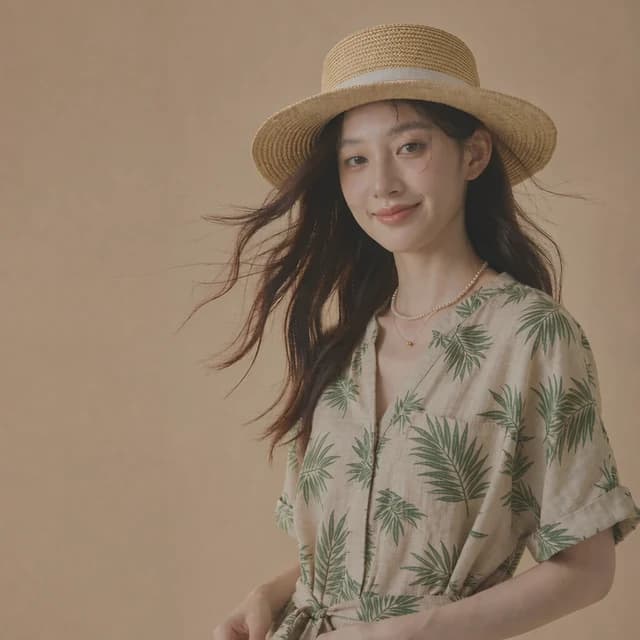
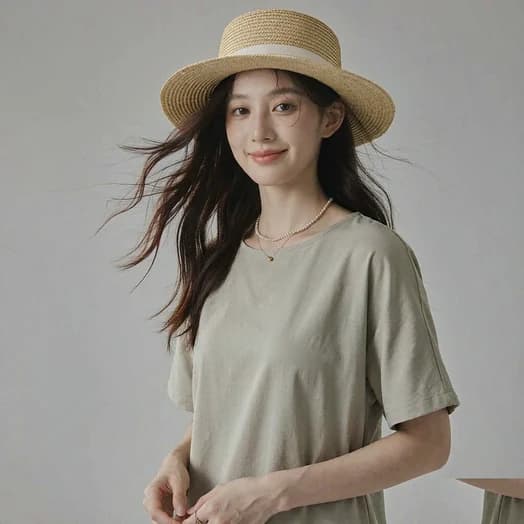
What a Two-Photo Clothes Swap Actually Does
Two images, one job: read the garment, fit it to the person, leave everything else alone.
One person photo, one garment photo
The first image sets the identity and pose. The second is a garment reference — a flat lay, hanger shot, or clean product image. The AI clothes swap only needs those two.
Flat lays become on-model photos
A garment shot on a table becomes a worn look with natural folds and shadows. It is the fastest route from a supplier image to a listing preview.
Small details carry over
Prints, seams, pockets, and woven texture are carried into the result. Zoom in on logos or lettering before using the image in a product page.
The rest of the frame stays put
Face, hairstyle, hands, body proportions, lighting, and background are preserved. Compare the two photos side by side before you download.
How to Swap Clothes Between Two Photos
The whole two-photo workflow takes less than a minute. No masking, no manual selection, no editing software.
Add the person photo
Choose a clear, front-facing image with the current outfit visible. Full-body or three-quarter shots give the garment the most room to fit naturally.
Add the garment reference
Upload a flat lay, hanger shot, or product image of the piece you want. Name the color, neckline, and sleeve length in the description to tighten the match.
Generate, compare, download
The clothes changer redraws the clothing area only. Check the collar, cuffs, and shadows with the comparison slider, then save the result at full resolution.
AI Clothes Swap FAQ
Answers about two-image swaps, garment references, and the details that need a second look.
How is a two-photo AI clothes swap different from a preset?
A preset gives the model a ready-made outfit to aim for. A two-photo swap gives it an actual garment reference to read, so the cut, color, and pattern come from your own image instead of a template.
Does the garment photo need a model in it?
No. A clean flat lay, hanger shot, or catalog product image works. Even lighting, an uncluttered background, and a single garment in the frame make the reference easier to read.
Can I swap only one item and keep the rest?
Yes. Say what should stay — for example, replace the jacket and keep the jeans and shoes. The clothes changer limits the change to the clothing area you describe.
Will a logo or printed text look exactly the same?
Small graphics and repeating patterns usually survive, but fine lettering is the detail most likely to drift. Inspect the result at full size before using it in a listing or an ad.
What if the two photos have different lighting?
The result follows the light in the person photo, because that is the scene being kept. A garment reference shot in soft, even light gives a more faithful read of color and fabric.
Can I reuse one person photo for a whole catalog?
Yes. Keep the same model image and change only the garment reference between runs. The face, pose, and background stay consistent across the set.
More guides: full outfit changes · dress and gown changes · what is free and what uses credits.
Try a Two-Photo AI Clothes Swap
Upload a person photo, add a garment reference, and see the new outfit in seconds.